项目 / angkosal/laravel-pos
Web Based Point Of Sale(POS) Application using Laravel
本站整理,非 GitHub 官方 description。
官方快照(gh_history.db,2026-11-25):总榜 未进 Top50 · 日榜 未进 Top50 · 周榜未满 7 天基线(官方不生成) · 月榜暂无官方口径;下方四卡为站内趋势聚合(周卡按上榜次数,非官方 7 日增量窗)。
以下三段按该项目自己的 GitHub README 章节摘录(可合理截断并标明);README 没有对应章节的留空,不编造。
先确保安装 Composer,再运行 npm install 安装依赖,开发用 npm run dev,生产用 npm run build。
项目提供适用于桌面和平板的响应式 POS 界面。
来自 GitHub 仓库 README / 主页介绍正文,原样摘录,共 6,782 字节。
<p align="center">
<h1 align="center">POS System Using Laravel</h1>
</p>
The project was created while recording video "[Create POS System Using Laravel](https://www.youtube.com/watch?v=Y_NRk0lOOJc&list=PL2hV0q47BY-G9f5xG9Vq-wGjSyy1BekOv)"
## Installation
### Requirements
For system requirements you [Check Laravel Requirement](https://laravel.com/docs/10.x/deployment#server-requirements)
### Clone the repository from github.
git clone https://github.com/angkosal/laravel-pos.git [YourDirectoryName]
The command installs the project in a directory named `YourDirectoryName`. You can choose a different
directory name if you want.
### Install dependencies
Laravel utilizes [Composer](https://getcomposer.org/) to manage its dependencies. So, before using Laravel, make sure you have Composer installed on your machine.
cd YourDirectoryName
composer install
### Config file
Rename or copy `.env.example` file to `.env` 1.`php artisan key:generate` to generate app key.
1. Set your database credentials in your `.env` file
1. Set your `APP_URL` in your `.env` file.
### Database
1. Migrate database table `php artisan migrate`
1. `php artisan db:seed`, this will initialize settings and create and admin user for you [email: admin@gmail.com - password: admin123]
### Install Node Dependencies
1. `npm install` to install node dependencies
1. `npm run dev` for development or `npm run build` for production
### Create storage link
`php artisan storage:link`
### Run Server
1. `php artisan serve` or Laravel Homestead
1. Visit `localhost:8000` in your browser. Email: `admin@gmail.com`, Password: `admin123`.
<!-- 1. Online demo: [pos.khmernokor.com](https://pos.khmernokor.com/) -->
### Feature To-Do List
#### 📊 Dashboard
- [x] Display overall sales summary (total revenue, today's sales, top-selling product)
#### 📦 Products
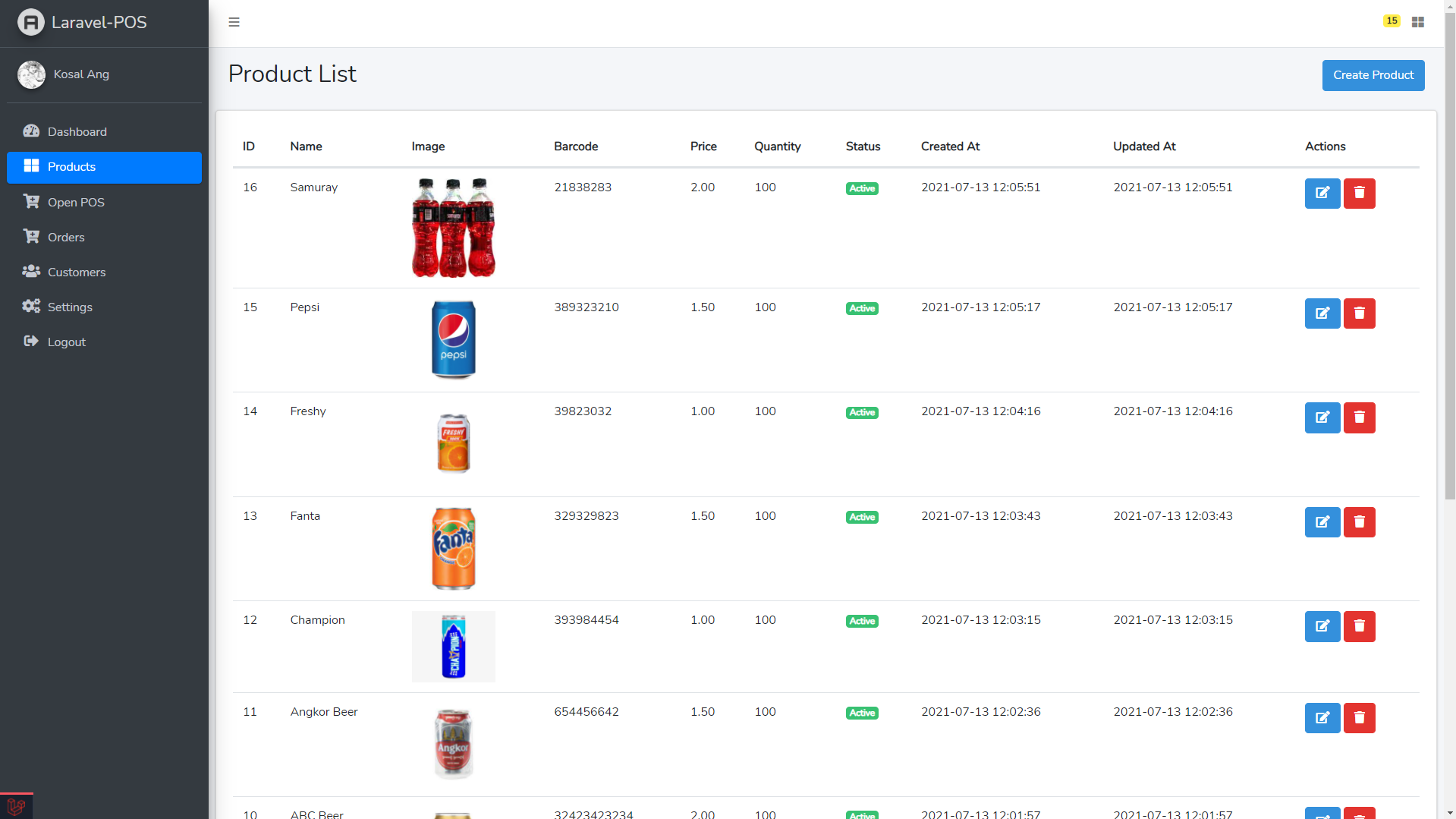
- [x] Product list with pagination, search, and category filters
- [x] Add product form (name, price, stock, image, category)
- [x] Edit/Delete product actions
#### 🛒 Point Of Sale
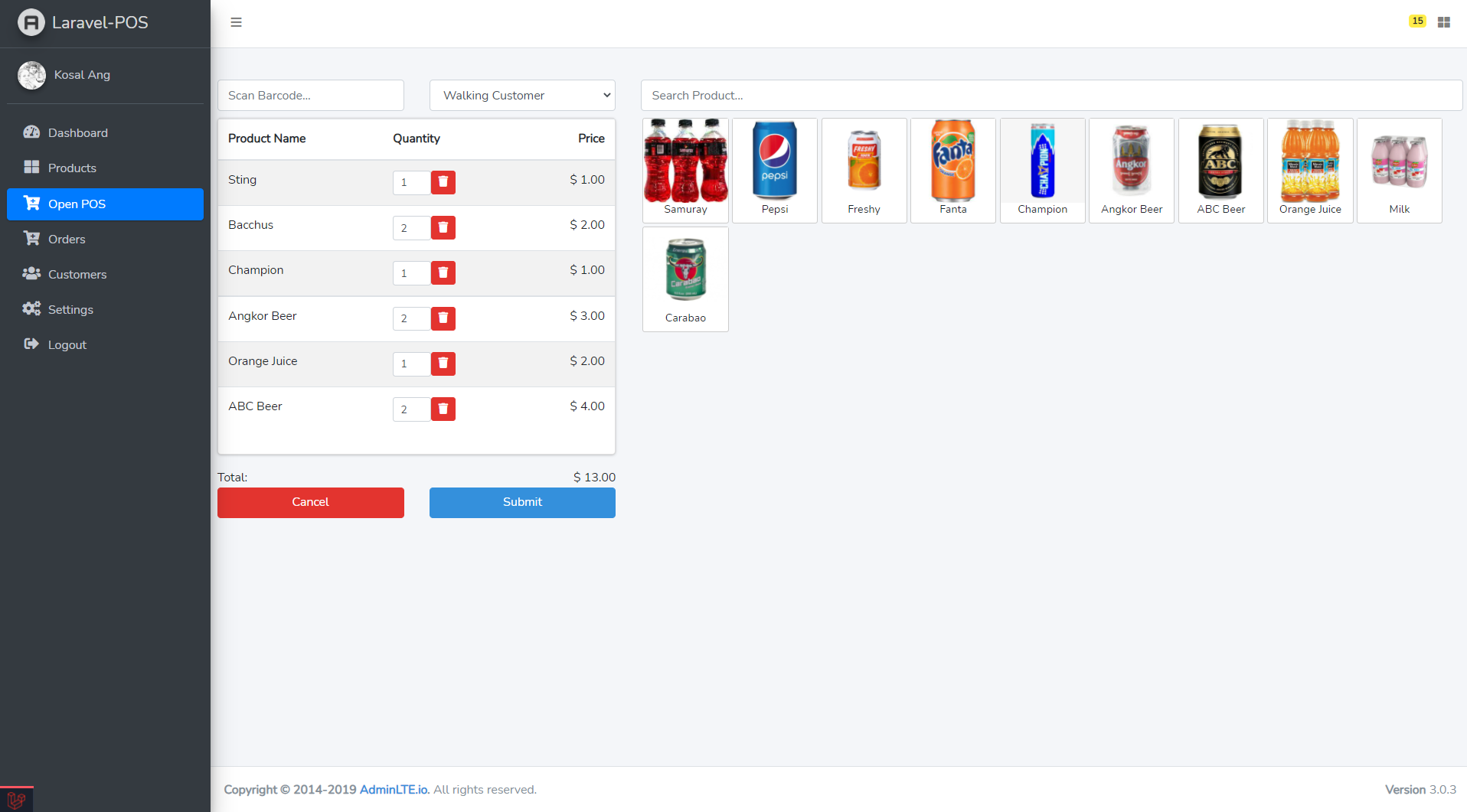
- [x] Responsive POS interface (for desktop & tablet)
- [x] Add products via barcode scan or name search
- [x] Display cart with items, quantity
- [ ] Support multiple payment methods (cash, card, etc.)
- [ ] Apply discount by specific items
- [ ] Apply discount by invoice (overall discount)
- [ ] Print or download sale receipt
#### 📦 Orders
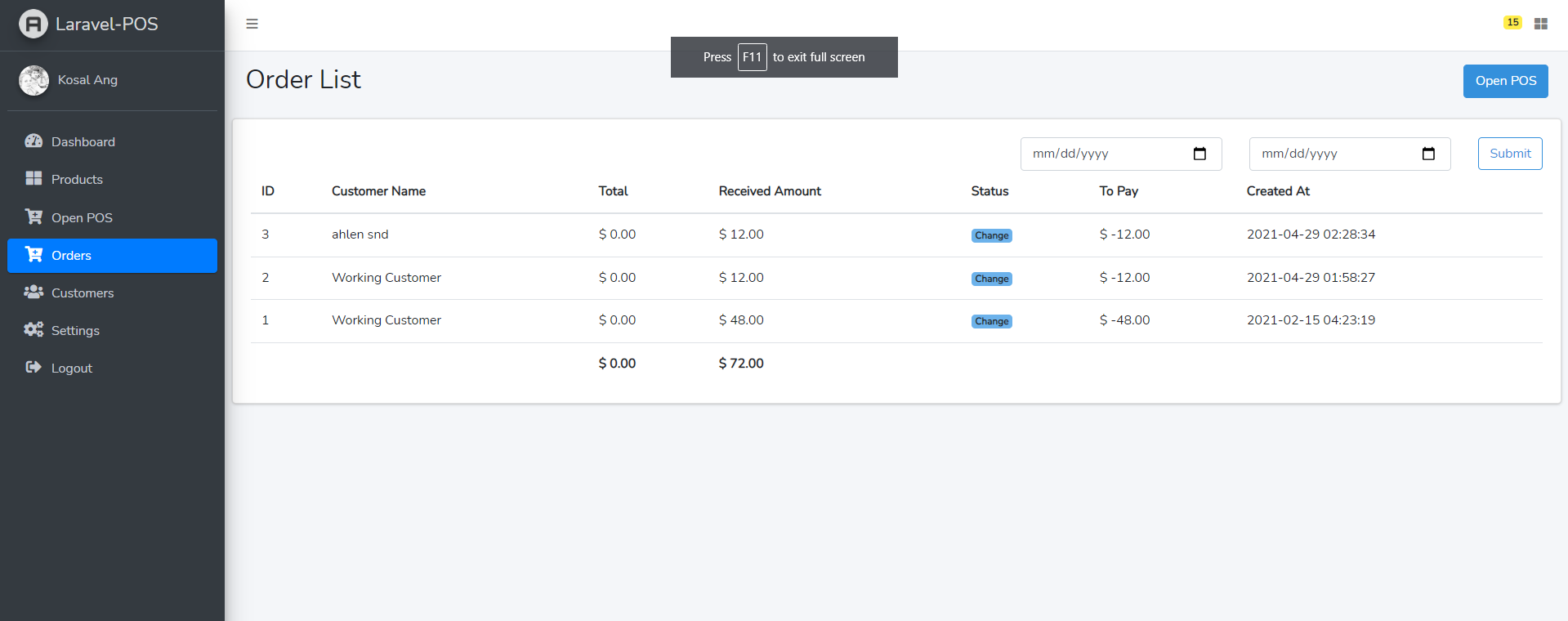
- [x] List all sales/orders with filters (date)
- [ ] Add filter (status, customer)
- [x] View detailed order/invoice page
- [ ] Support order returns and refunds
#### 👥 Customers
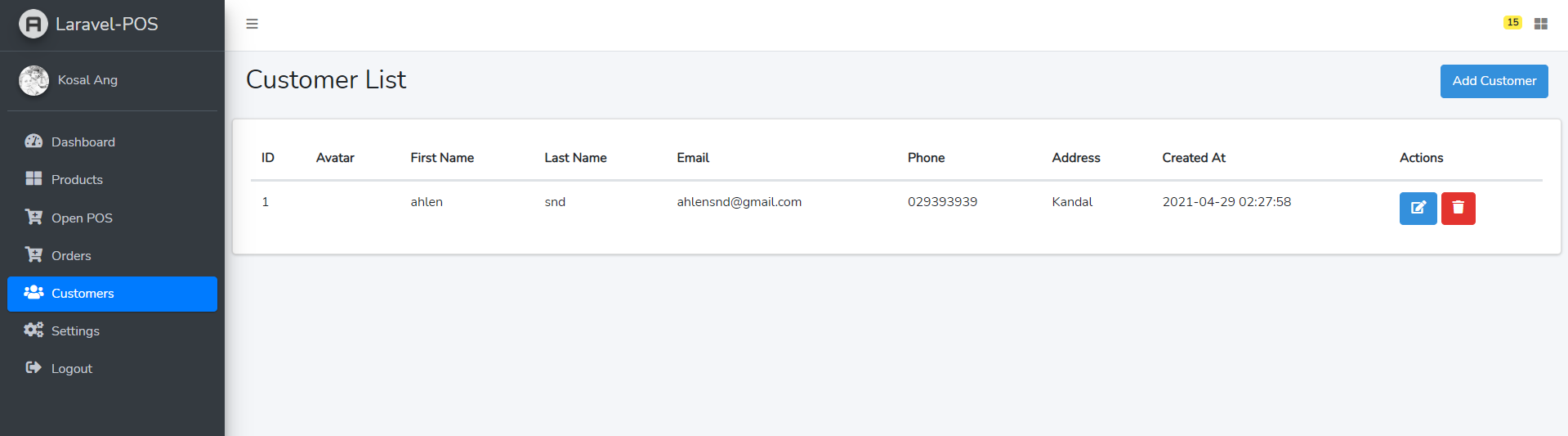
- [x] Customer list
- [ ] Filter customer with (name, phone and email)
- [x] Add/Edit customer information (name, phone, email, address)
- [ ] View customer order history
#### 🚚 Supplier
- [x] Supplier list
- [ ] Filter supplier with (name, phone and email)
- [x] Add/Edit supplier info (name, phone, email, ...)
- [ ] View purchase/order history by supplier
#### 📥 Purchase — by [Emre Dikmen](https://github.com/fabyo0)
- [x] Add purchase form (select supplier, date, invoice number)
- [x] Add purchased items with quantity and cost
- [x] Update product stock automatically on purchase
- [x] View list of purchases with filters (supplier, date)
- [x] Generate printable purchase receipt (80mm)
#### ⚙️ Settings
- [x] Store settings (name, currency)
- [ ] Add tax config to store setting
### Screenshots
#### Product list
#### Create order
#### Order list
#### Customer list
# 🌟 Or Khmernokor POS :)
[Khmernokor POS](https://pos.khmernokor.com) is a modern and efficient Point of Sale system tailored for restaurants, cafés, and retail businesses. Built with a focus on usability, speed, and flexibility, it provides an all-in-one solution for front-of-house and back-of-house operations.
---
## 🖥️ POS Screen
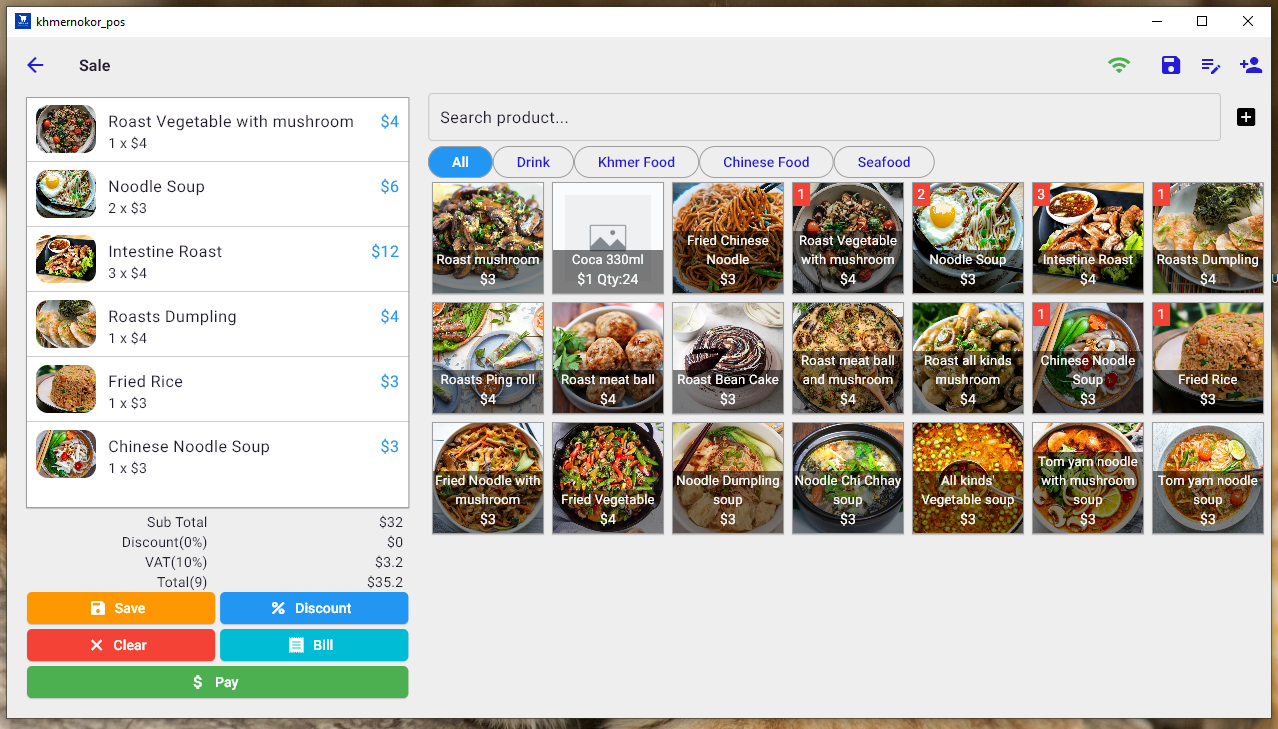
The POS interface is clean, responsive, and optimized for quick ordering. Cashiers and servers can easily select items, apply discounts, manage tables, and process various payment methods efficiently.
---
## 🖨️ Kitchen Printer
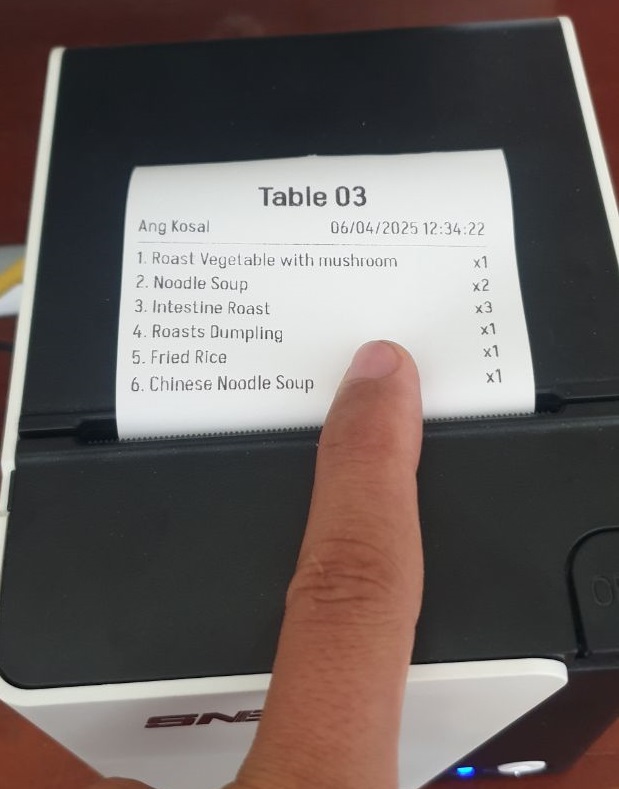
Orders placed via the POS are instantly sent to the kitchen printer. This ensures accurate, printed tickets that help kitchen staff prepare dishes quickly and with minimal error.
---
## 🍽️ Kitchen Display System (KDS)
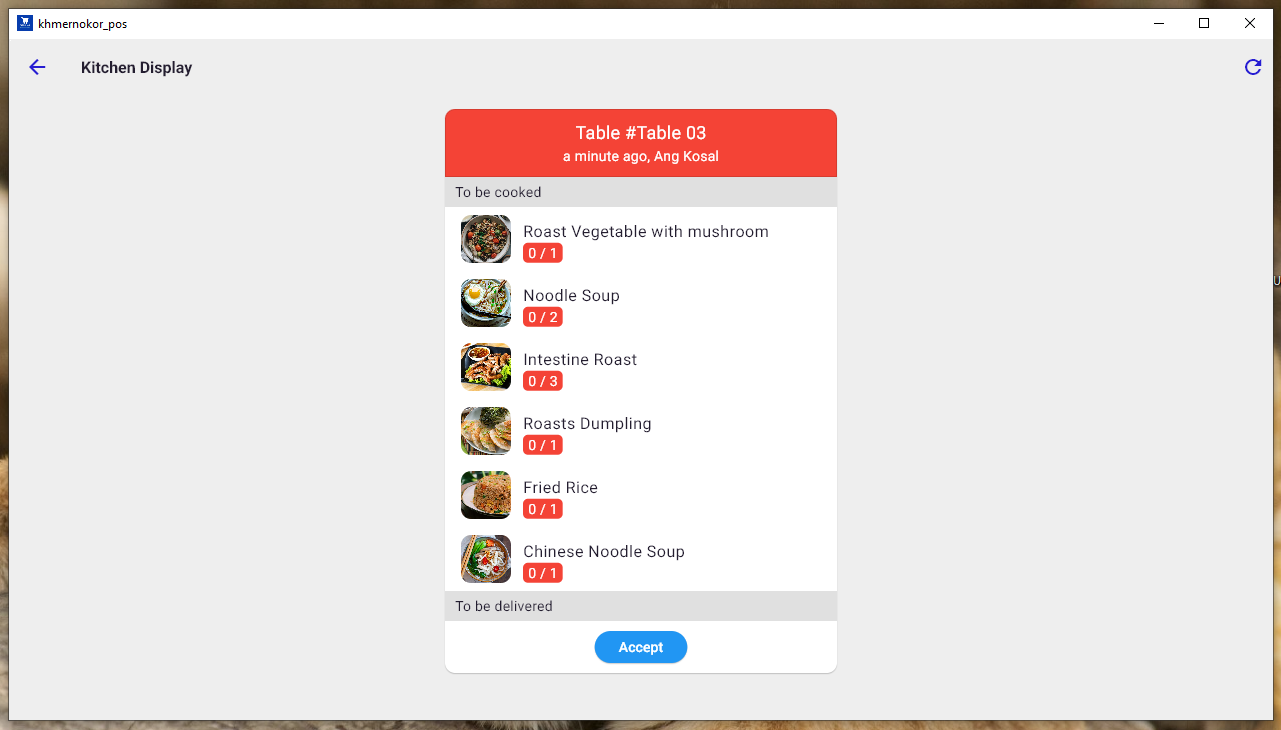
Replace traditional printed tickets with a digital kitchen display. Staff can view and manage incoming orders in real time, mark items as complete, and streamline food preparation.
---
## 🧾 Receipt Preview
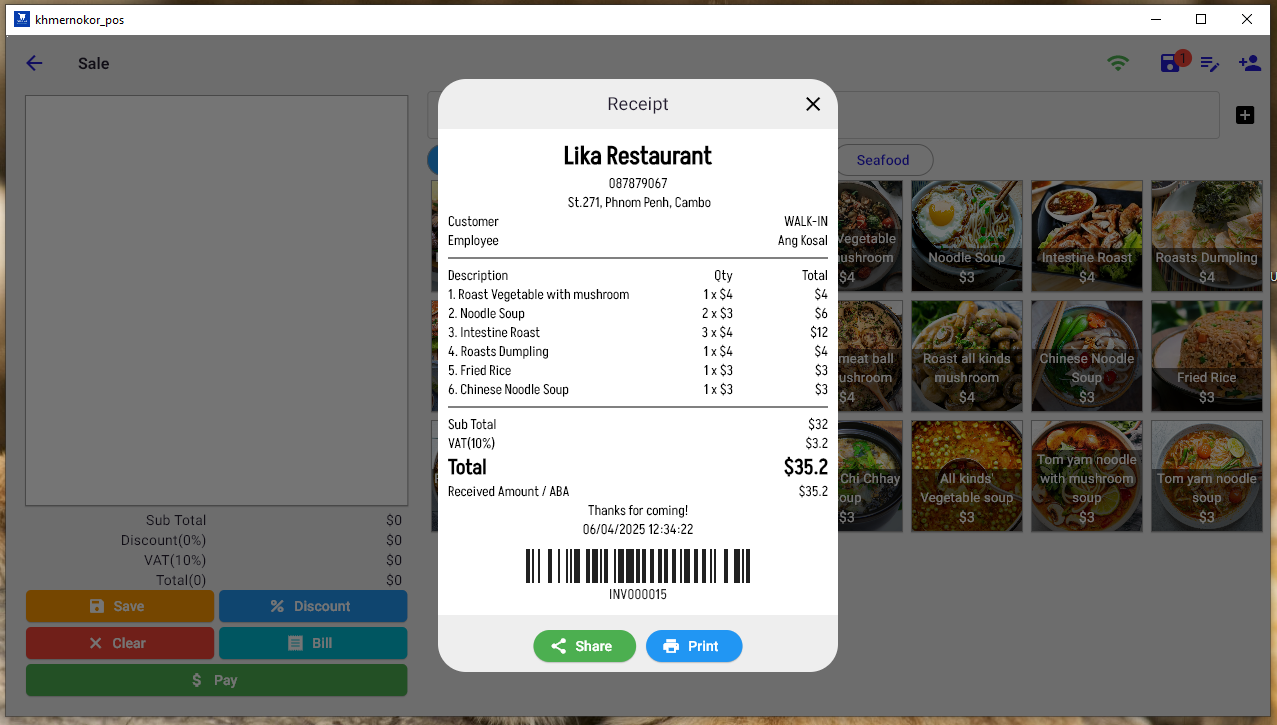
Preview and print receipts with detailed breakdowns of items, quantities, discounts, taxes, and total amounts—customizable to suit your business branding.
---
## 🖨️ Cashier Printer
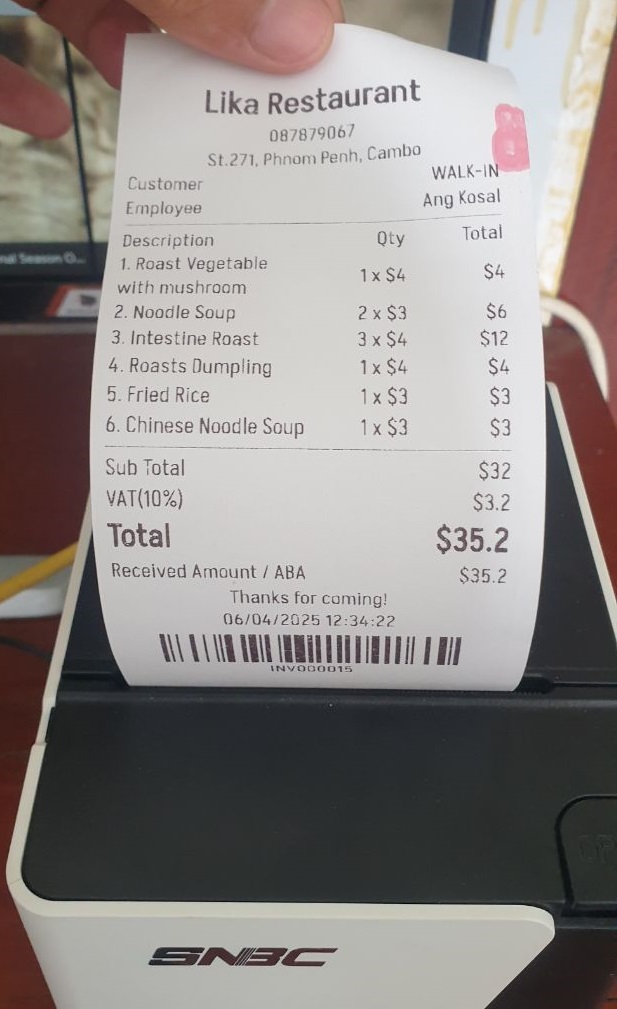
Print high-quality receipts at the cashier station for customers upon checkout. Reliable and fast printing supports smooth and professional transactions.
---
## 📱 QR Menu for Customers ordering
<!-- 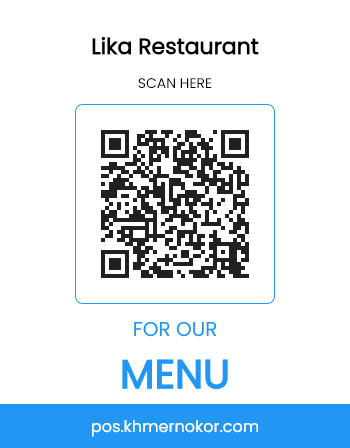 -->
Let customers scan a QR code to view the digital menu on their phones. This contactless feature enhances the dining experience while reducing the need for physical menus.
---
## Video Demo on Windows
[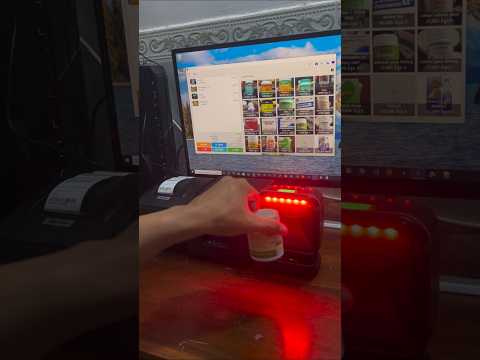](https://www.youtube.com/shorts/4ARl-Ww71Gc)
## Video Demo on Mobile
[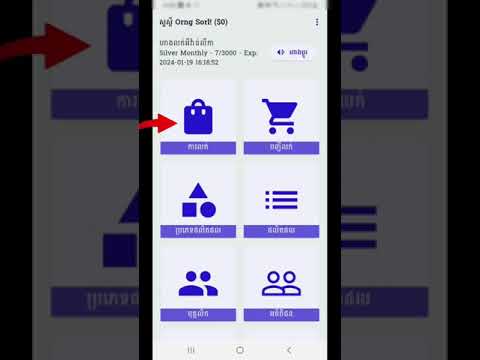](https://www.youtube.com/watch?v=qqUSv7ab3dk)
---
Khmernokor POS is your complete solution for managing restaurant operations—from order taking and kitchen coordination to payment and reporting.
🔗 [Explore more at pos.khmernokor.com](https://pos.khmernokor.com)
